Zed 1.24 moves live terminal tabs into AI agent threads
The code editor Zed has launched version 1.24.2, enabling developers to seamlessly drop live terminal sessions into AI agent threads without losing context, process output, or execution history.
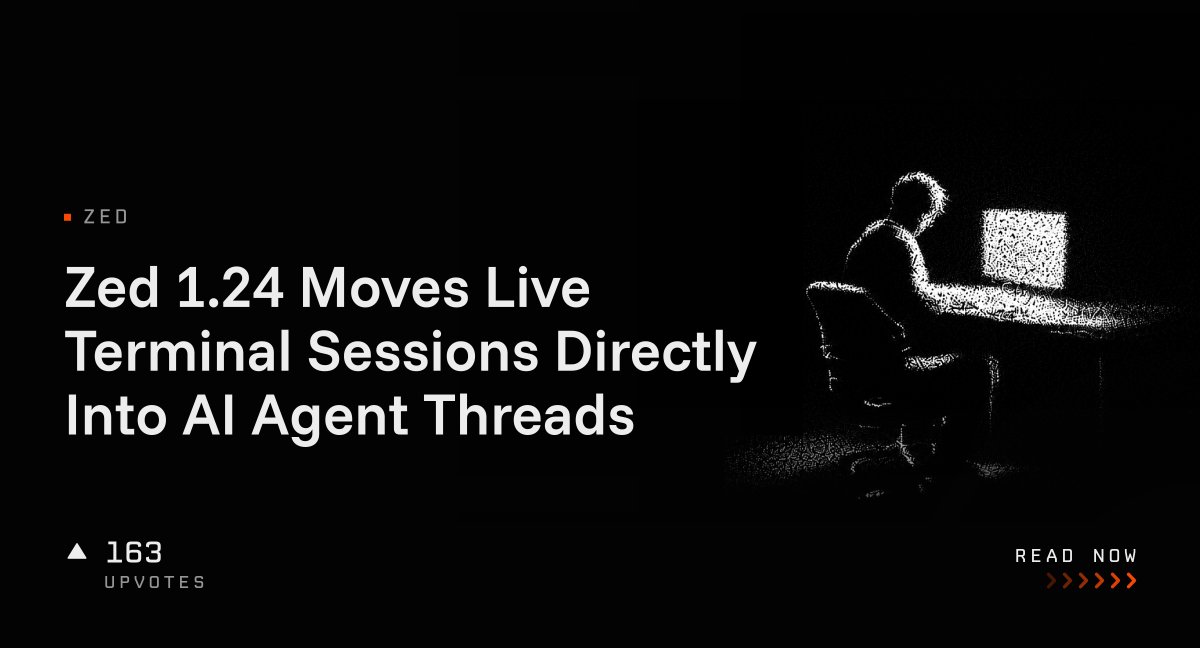
The open-source code editor Zed has released version 1.24, currently updated to build 1.24.2 across Linux, macOS, and Windows. A central enhancement in this update allows engineers to drag active terminal tabs straight into the Agent Panel. Doing so converts the session into a Terminal Thread while maintaining its full command history, active working directory, thread title, and running background processes. This removes the friction of starting clean terminal environments or manually copying error outputs into AI chats during debugging sessions.
Alongside the AI workflow adjustments, the release brings multiple practical developer tools. The File Finder tool now automatically pre-fills search queries using text selected in the editor or terminal, an option that can be disabled by setting file_finder.prefill_query_from_selection to false. Development teams using Linux x86_64 systems will see a binary that is roughly 23 percent smaller after debug symbol stripping. Furthermore, Zed now supports side-by-side folder comparisons when executing zed --diff on two directories, and adds local Git tag creation directly from the command palette via git: create tag at head or from commit context menus.
Additional repository interface refinements include section headers with file counts in the Git Panel, a collapsible commit message box controlled via git_panel.commit_editor, and permalink integration for self-hosted Gerrit and Gitiles. Git Graph now displays refs directly inside the graph layout. Zed remains free for individual users, with paid options for expanded AI feature usage, published under a blend of AGPL, GPL, and Apache 2.0 open-source licenses.
This is our own summary of reporting by AlphaSignal